A choir library, one score at a time
Most choral libraries live in filing cabinets. StaveWave converts a printed score into MusicXML you can edit, transpose, and reprint, so the arrangement stops depending on the last surviving copy.
For choir directors
Turn printed choral scores into editable MusicXML online. StaveWave reads the vocal parts and lyrics, flags the bars it is unsure about, and exports for MuseScore, Sibelius, Dorico, or Finale.
Optimized for digitize choir sheet music, choral score to MusicXML, choir music scanning, SATB sheet music OCR workflows with reviewable MusicXML output.

Most choral libraries live in filing cabinets. StaveWave converts a printed score into MusicXML you can edit, transpose, and reprint, so the arrangement stops depending on the last surviving copy.
SATB staves, divisi, and multi-verse lyrics are exactly where recognition gets uncertain. StaveWave compares independent recognition passes and keeps disagreements visible instead of silently picking one reading.
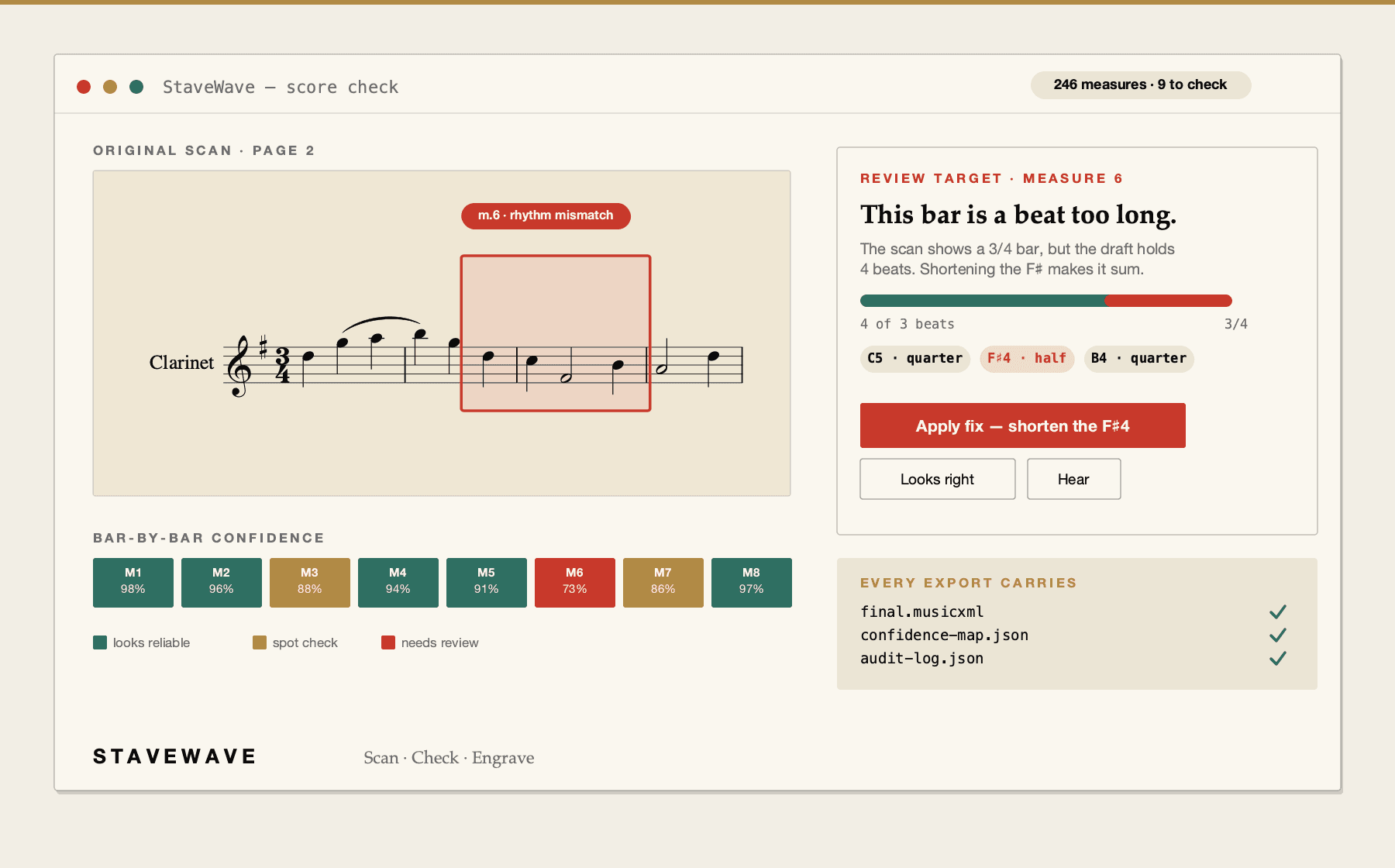
Uncertain bars are flagged against the original page and grouped by cause, so you review the twelve measures that need attention rather than proofreading the whole score.
Processing stack
StaveWave shows the recognition engines, specialist passes, validation checks, and quality gates involved so users can see what checked the score before trusting the MusicXML.
Recognition passes
StaveWave compares independent readings of the notation and keeps disagreements visible instead of treating one reading as automatically correct.
Review checks
Visual, corpus, and notation checks inspect weak spots, compare the original scan against the rendered transcription, and flag suspicious measures or suggested fixes.
Specialist checks
Focused passes review pitch, rhythm, text, structure, articulation, and style so the output needs less cleanup in Sibelius, Dorico, MuseScore, Finale, or another editor.
Quality gates
Validation, consensus, visual comparison, audio checks, plausibility scoring, and audit evidence must run. If a required component fails, the job reports a blocking error.
Workflow
Submit a PDF or a scan of the printed choral score, up to 100 MB and 50 pages.
Review flagged measures with the original page alongside, and correct the notes and lyrics that need it.
Export MusicXML for MuseScore, Sibelius, Dorico, or Finale, and use the MIDI to build part-learning tracks for your singers.
Questions
These answers match the structured data search engines receive for this page.
No. StaveWave runs online in the browser, so it works the same on Mac, Windows, Linux, iPad, or a Chromebook with nothing to install.
Yes. Multi-staff vocal scores with lyrics under each part are a core case. Lyric syllables attach to their notes when recognition is clean, and the score check flags the measures where alignment was uncertain.
Every result includes a MIDI rendering of the verified notation, which you can open in your notation app or DAW to produce per-part rehearsal audio.
StaveWave is built for printed notation. Some clean manuscript works, but irregular noteheads and spacing raise the error rate, and the score check will flag those measures for review.
300 DPI or higher with even lighting and flat pages works well. Sharp staff lines and clear lyric text produce the most reliable result.
Ready to convert