Clear scans usually produce better results
Sharp staff lines, good contrast, and minimal skew produce better results. StaveWave prepares each upload before recognition.
Scan to MusicXML
Scan or photograph a score. StaveWave creates a draft, checks each measure, and shows uncertain bars before export.
Review the conversion before exporting MusicXML.
No subscription or monthly fees. Start with 100 free signup credits. No credit card required.
Built for the work
Sharp staff lines, good contrast, and minimal skew produce better results. StaveWave prepares each upload before recognition.
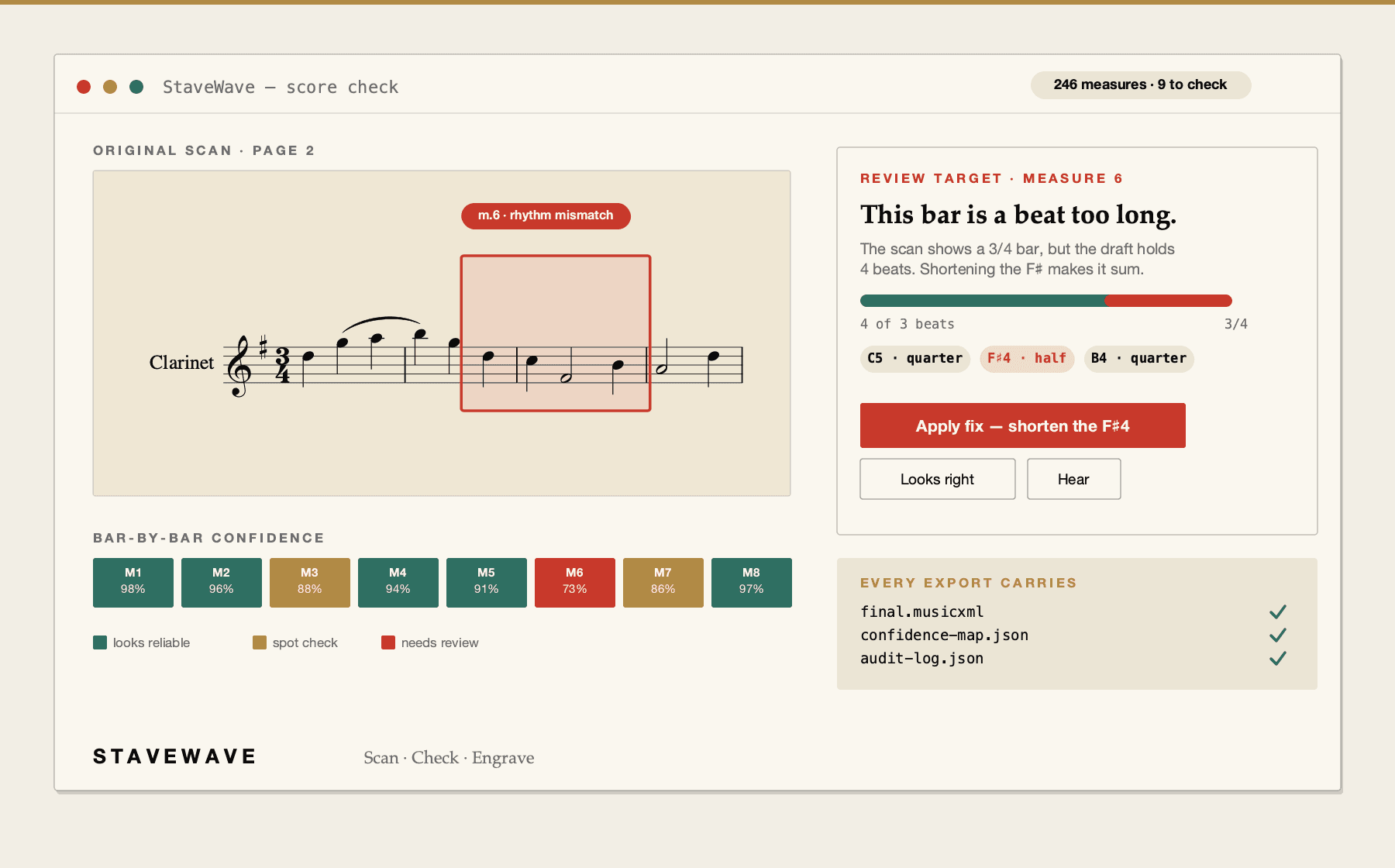
Rhythm and structure checks run on each bar. The score check groups findings by cause so you can fix the pattern instead of chasing individual warnings.
Fix notes on the notation and switch to the scan to compare. An in-editor beat ruler confirms when a measure adds up correctly.
How StaveWave checks a conversion
See the checks used before you export MusicXML.
Review
The review shows the original page.
Notation checks
Checks review pitch, rhythm, structure, and articulation before you edit in your notation app.
Steps
Use 300+ DPI for a printed score, or a well-lit, flat phone photo.
Submit the file. StaveWave validates the source, runs recognition, and flags uncertain measures.
Export the file for Sibelius, Dorico, MuseScore, Finale, or any standard notation app.
Questions
300 DPI or higher works well for most printed scores. 600 DPI is useful for dense notation or small print. The score check will flag measures where scan quality affected recognition.
Flatten the page as much as possible to reduce skew and shadows near the spine. A flat, high-resolution scan of the full page works best. StaveWave accepts multi-page files up to 100 pages.
No. StaveWave is built for printed notation.
The score check will point to measures where uncertainty arose. You can re-scan if quality was the issue, or edit the uncertain bars manually in your notation app.
Ready to convert