Your music, ready to edit
Convert PDF sheet music to MusicXML
Turn your score into an editable file for MuseScore, Sibelius, or Dorico. Check uncertain measures against the original before exporting.
Convert my PDF — start free100 free credits · 2 credits per page
No subscription. No credit card required.
Create a free account, then upload your score.
See an example of the output ↓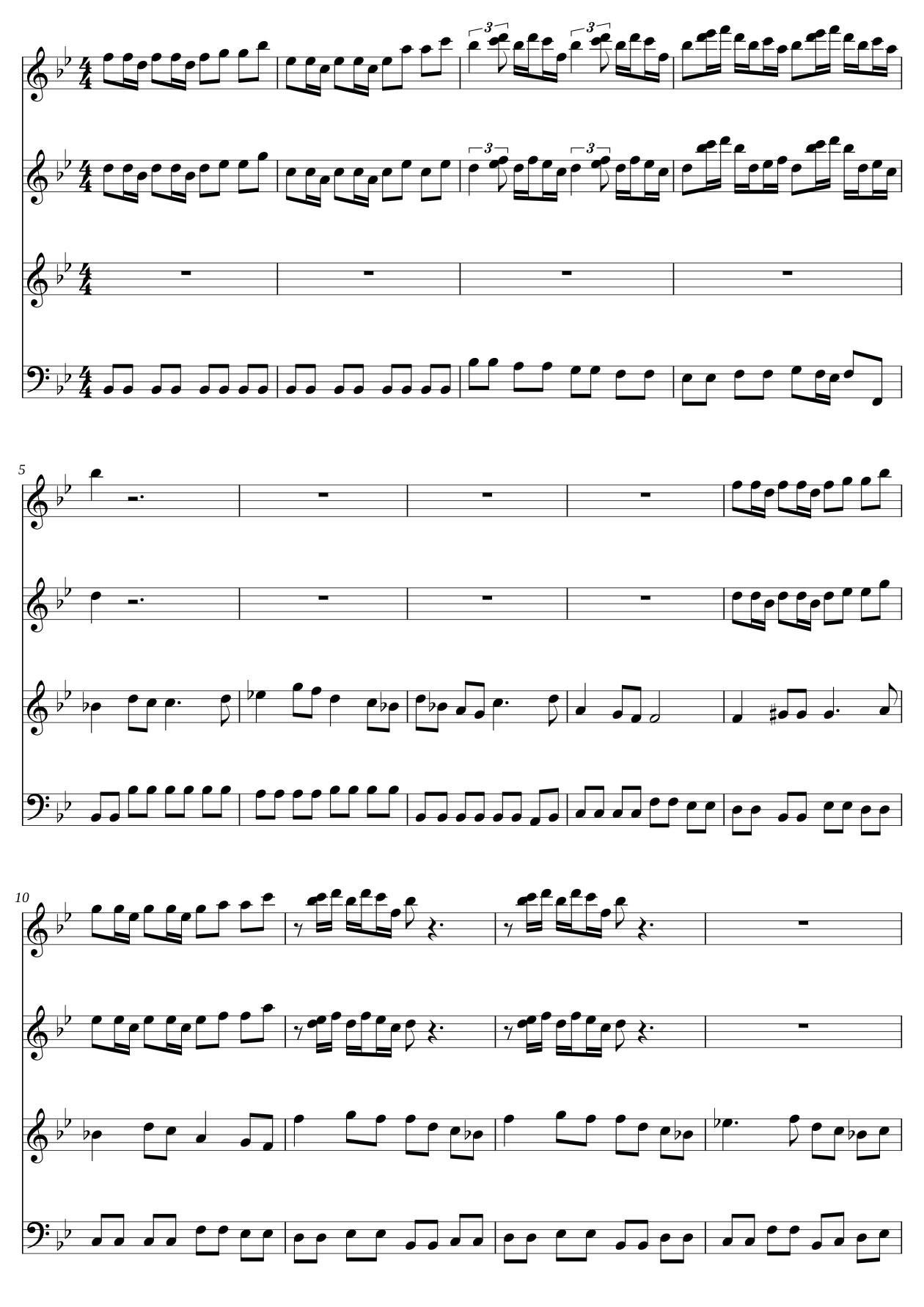
Illustrates the output format, not PDF recognition accuracy.
See the music
A score you can keep working on.
MusicXML stores musical notation you can edit. Open your export in MuseScore, Sibelius, or Dorico to change notes, extract parts, and prepare your arrangement.
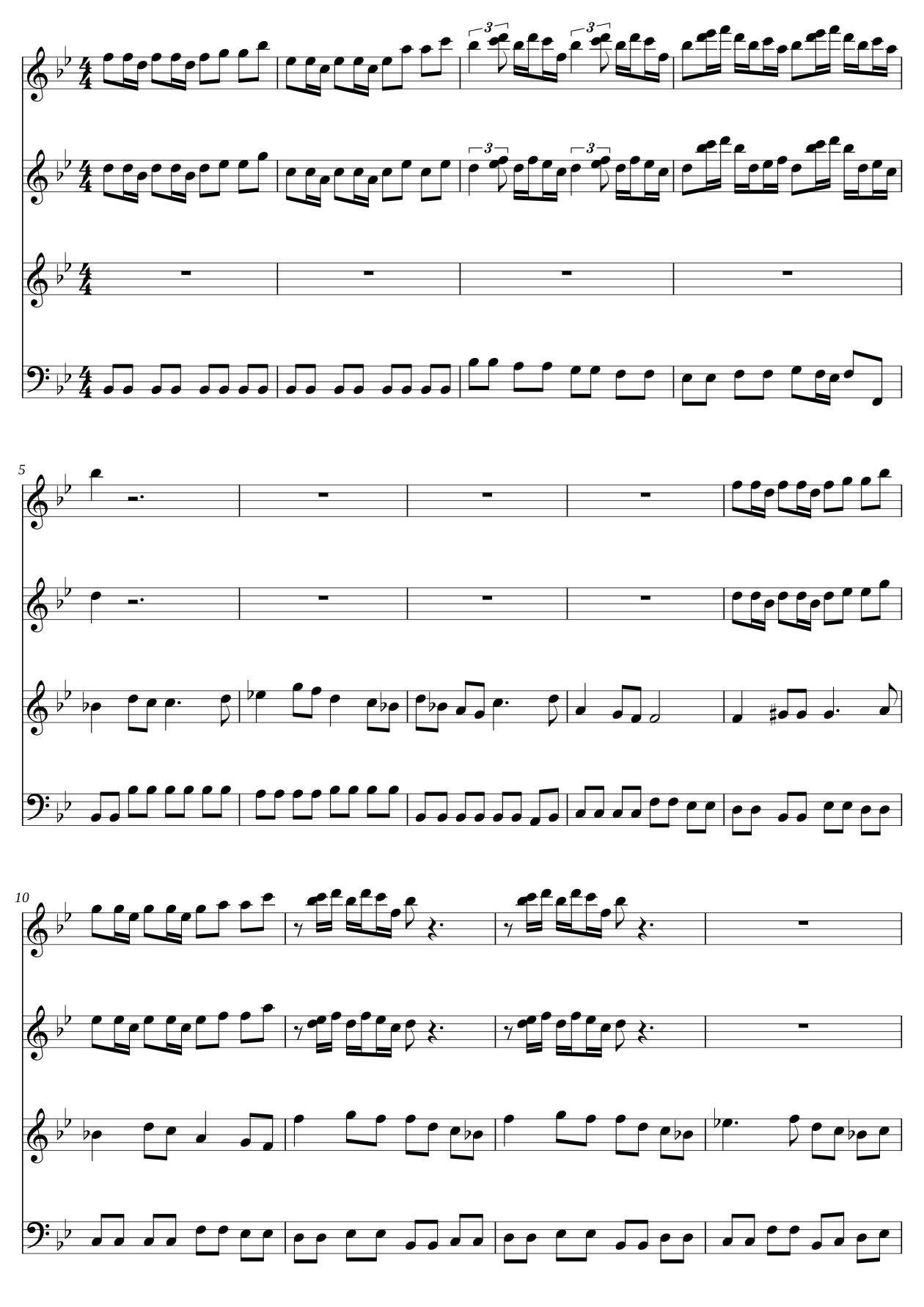
The page above is Sheep May Safely Graze by Johann Sebastian Bach, engraved from MusicXML using StaveWave’s engraver. It is an engraving example, not a before-and-after scan conversion.
Three steps
From PDF to your notation app.
- 01
Upload your PDF
Create your free account, then choose a score from your computer or phone.
- 02
Check the conversion
Compare uncertain measures with the original page and correct the notes that need attention.
- 03
Make the score yours
Download MusicXML and open it in your notation app to edit, arrange, or transpose.
Simple pricing
Start with 50 pages on us.
Your 100 signup credits cover 50 source pages at 2 credits per page. Spend them across multiple conversions; each job accepts up to 100 pages.
Need more? $5 buys 500 credits.
That covers another 250 conversion pages.
Credits are charged when you start. Failed or cancelled jobs are refunded. Cleanup, editing, and downloads have no extra charge.
Start freeBefore you upload
What can I upload?
Upload a PDF or a clear image of printed sheet music, up to 100 MB and 100 pages per job. Clean, high-contrast pages work best.
Will I need to correct the result?
Yes, you should review every conversion before relying on it. Recognition can miss or misread notation. StaveWave highlights uncertain measures so you can compare them with your original; an unflagged measure is not a guarantee of accuracy.
Do I need an account or a credit card?
Create a free account before uploading. New accounts receive 100 credits. No credit card or subscription is required to start.
Can I open the result in my notation app?
Download MusicXML and import it into MuseScore, Sibelius, Dorico, or another MusicXML-compatible editor. Check the imported score, since notation and layout can differ between apps.
What happens to my file?
StaveWave processes your upload to create the converted score, review notes, and exports. Upload only files you have the right to process. See our privacy policy for how uploads and account information are handled.
Bring your sheet music back to life.
Start with your own PDF. Review the result. Keep the MusicXML.
Convert my PDF — start freeFree account · 100 credits included · No credit card