Engraved PDF
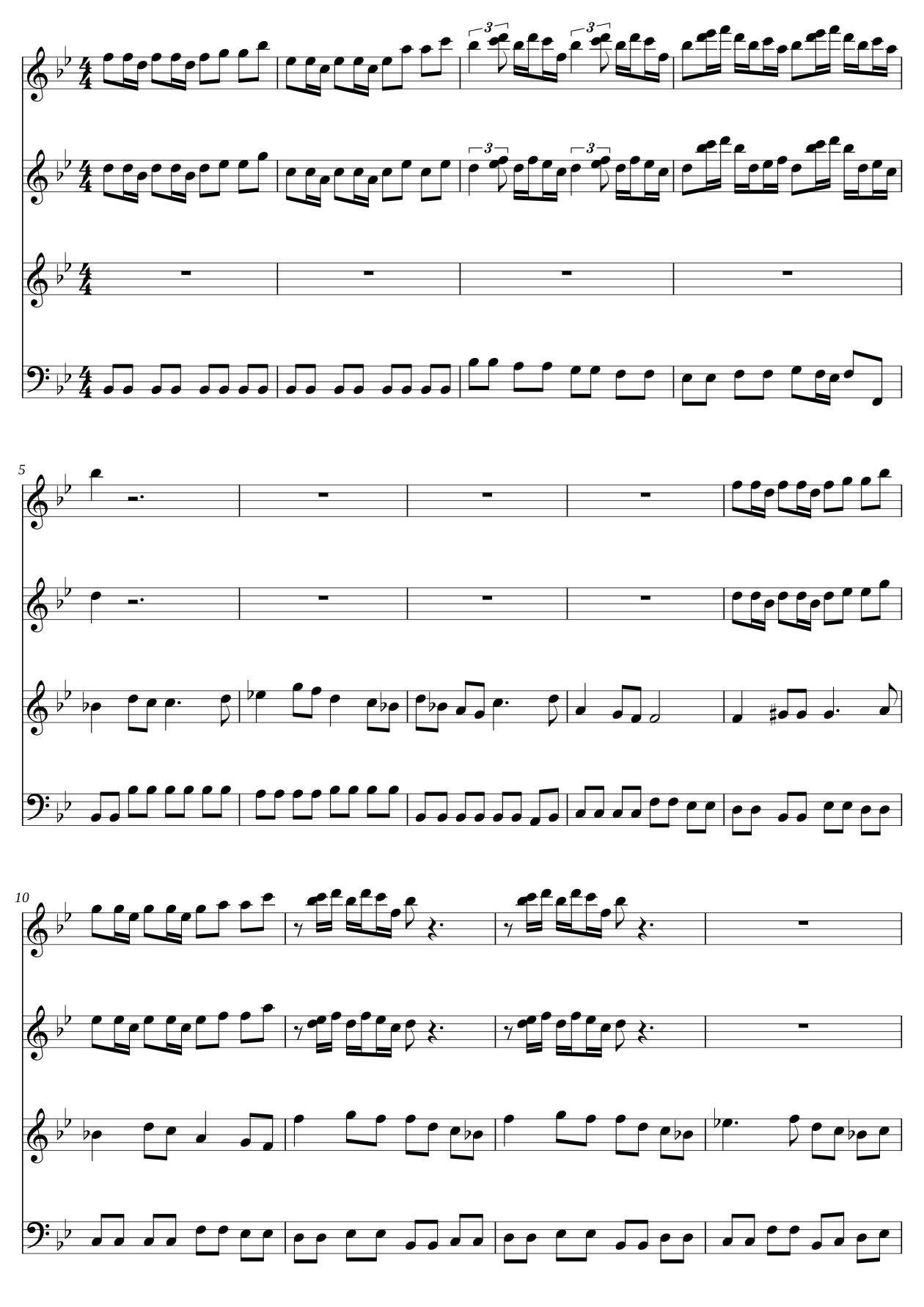
A score engraved with PlateRender and LilyPond, laid out for your chosen paper, orientation, margins, and staff size. Review the PDF before printing or performance.
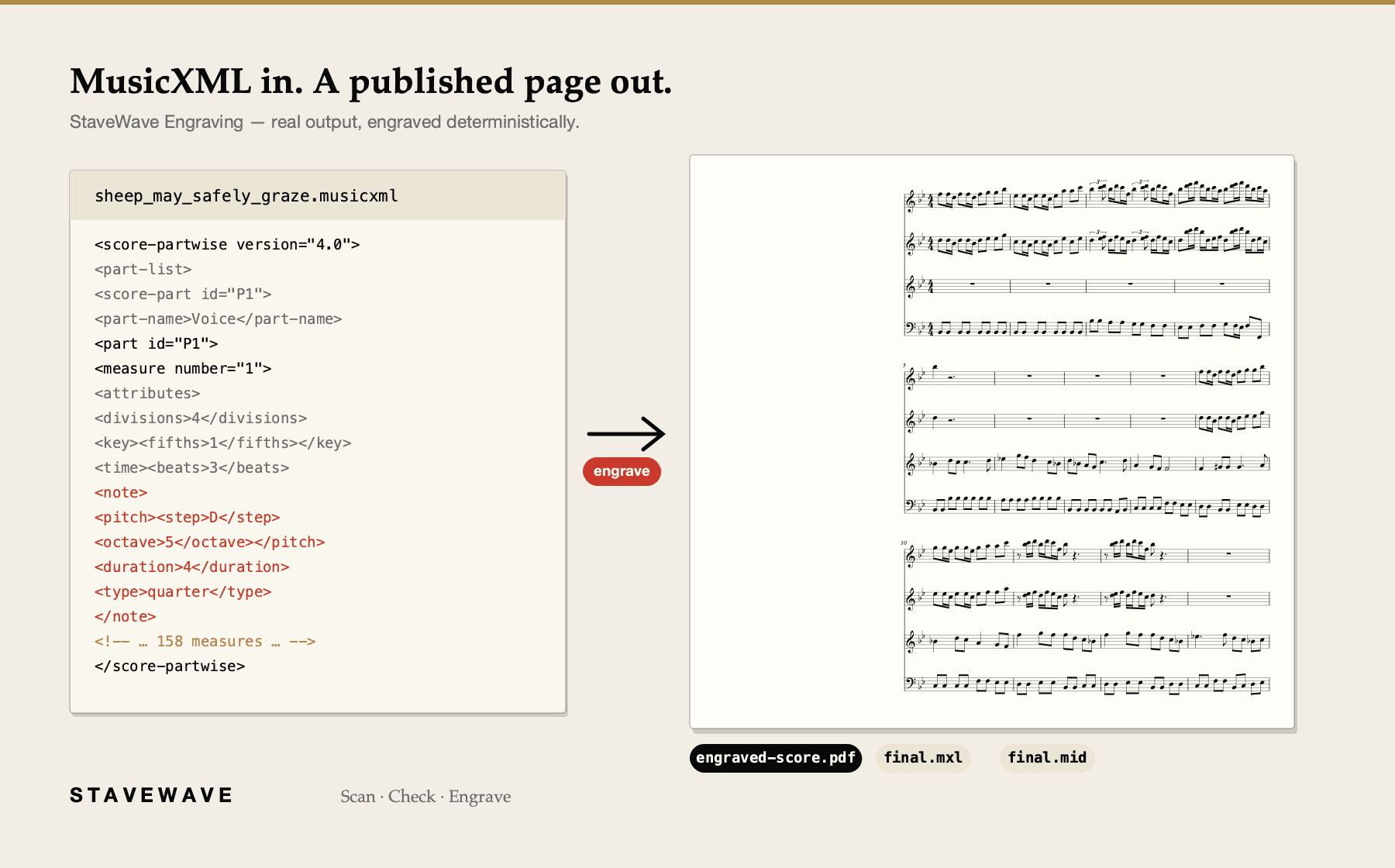
Drop in a MusicXML file — from Sibelius, Dorico, MuseScore, Finale, or a StaveWave conversion — and get print-ready sheet music with the spacing and beaming of a professional edition.
Loading your account…
MusicXML, MIDI, and SVG/PNG pages come with every job; the others depend on the score.
A score engraved with PlateRender and LilyPond, laid out for your chosen paper, orientation, margins, and staff size. Review the PDF before printing or performance.
The validated score in the compact interchange format every notation app imports — smaller to store, faster to share.
Hear what is on the page — drop it into your DAW, sequencer, or practice app.
Available for supported multi-part scores
Individual instrument PDFs and MusicXML from supported multi-part scores. Check the extracted music and page turns before performance.
Available for supported concert-pitch sources
B♭, E♭, F — written-pitch editions generated from the same source file, as PDF and MusicXML.
Crisp vector SVG and 150 dpi PNG of every engraved page, for websites, apps, and slide decks.
Layout engine
Note spacing, system breaks, and page turns are calculated from the music, following standard engraving practice.
Collision checks
The engraver checks spacing to reduce collisions between lyrics, dynamics, and articulations before rendering.
Notation rules
Beam angles, stem directions, accidental stacking, and tie shapes follow standard engraving practice, so the output reads like a published score.
Consistent layout
Re-engrave the same MusicXML to produce a consistent layout.
Drop a .musicxml, .xml, or .mxl file from Sibelius, Dorico, MuseScore, or Finale.
The score is parsed, validated bar by bar, and engraved with the spacing and layout conventions of a published edition.
Engraved PDF for print, compressed MusicXML for your notation app, MIDI to hear it — all on one results page.
StaveWave Engraving is for musicians, arrangers, and copyists who want published-quality pages without wrestling desktop engraving software.
Standard MusicXML (.musicxml, .xml) and compressed MusicXML (.mxl) — from any notation app.
Downloads include the available engraved PDF, compressed MusicXML (.mxl), MIDI, and SVG and PNG pages. Supported multi-part scores also offer instrument parts. B♭/E♭/F editions require a concert-pitch source; unsupported exports report a reason rather than an incomplete file.
Yes. Start with a Print score, Ensemble score, or Large print preset, then adjust paper size, portrait or landscape orientation, margins, and staff size. The main PDF and its SVG and PNG pages come from the same engraved edition. Editable MusicXML retains its own layout hints.
You can create a fresh layout from MusicXML without installing a notation app, with consistent print settings across the score, parts, and page images. Check musical details, collisions, and page turns in the finished PDF before performance or publication.