Clear, readable engraving
Careful spacing, beam angles, and lyric and dynamic placement help make the score easier to read.
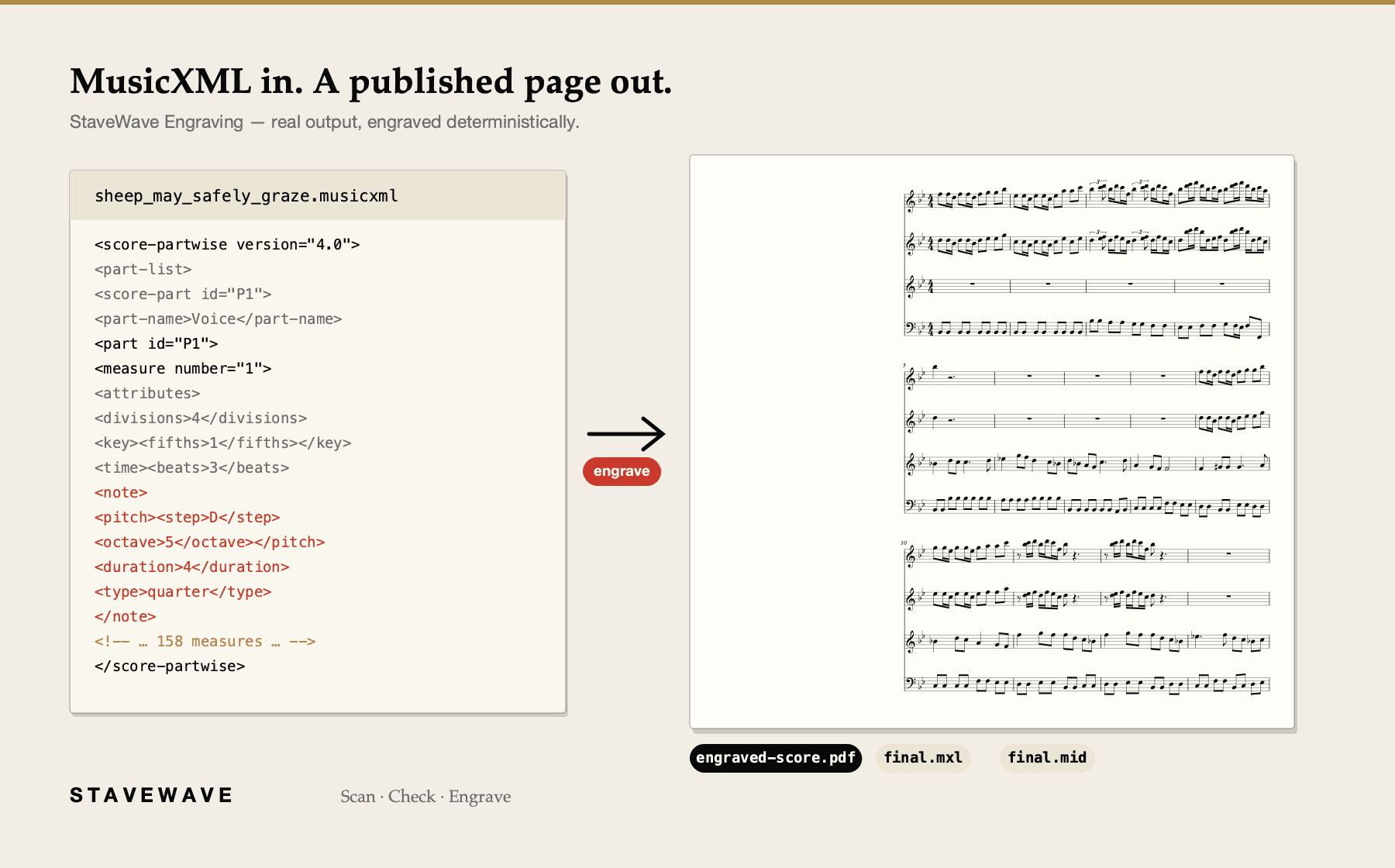
MusicXML to PDF
Upload a MusicXML file and get a print-ready engraved PDF, with MXL and MIDI.
Print-ready PDF output with professional spacing and selectable page sizes.
No subscription or monthly fees. Start with 100 free signup credits. No credit card required.
Built for the work
Careful spacing, beam angles, and lyric and dynamic placement help make the score easier to read.
Every job also delivers compressed MusicXML and MIDI — see the FAQ for the full list.
How StaveWave checks a conversion
StaveWave calculates layout, checks notation rules, and renders a consistent page from the same file.
Layout engine
Note spacing, system breaks, and page turns are calculated from the music, following standard engraving practice.
Collision checks
The engraver checks spacing to reduce collisions between lyrics, dynamics, and articulations before rendering.
Notation rules
Beam angles, stem directions, accidental stacking, and tie shapes follow standard engraving practice, so the output reads like a published score.
Consistent layout
Re-engrave the same MusicXML to produce a consistent layout.
Steps
Upload a MusicXML or compressed MXL file.
The score is parsed, validated bar by bar, and engraved with published-edition layout conventions.
Download everything from one results page.
Questions
Standard MusicXML (.musicxml, .xml) and compressed MusicXML (.mxl) from any notation app — Sibelius, Dorico, MuseScore, Finale.
Every job includes compressed MusicXML (.mxl), a MIDI rendering of the engraved score, and SVG and PNG exports of every page.
Yes. Choose the page size (A4, US Letter, A3, or Tabloid) and the staff size (small through extra large) on the upload form; everything else — spacing, system breaks, page turns — is computed automatically with published-edition conventions.
No. Engraving is a standalone service — bring your own MusicXML.
Ready to convert